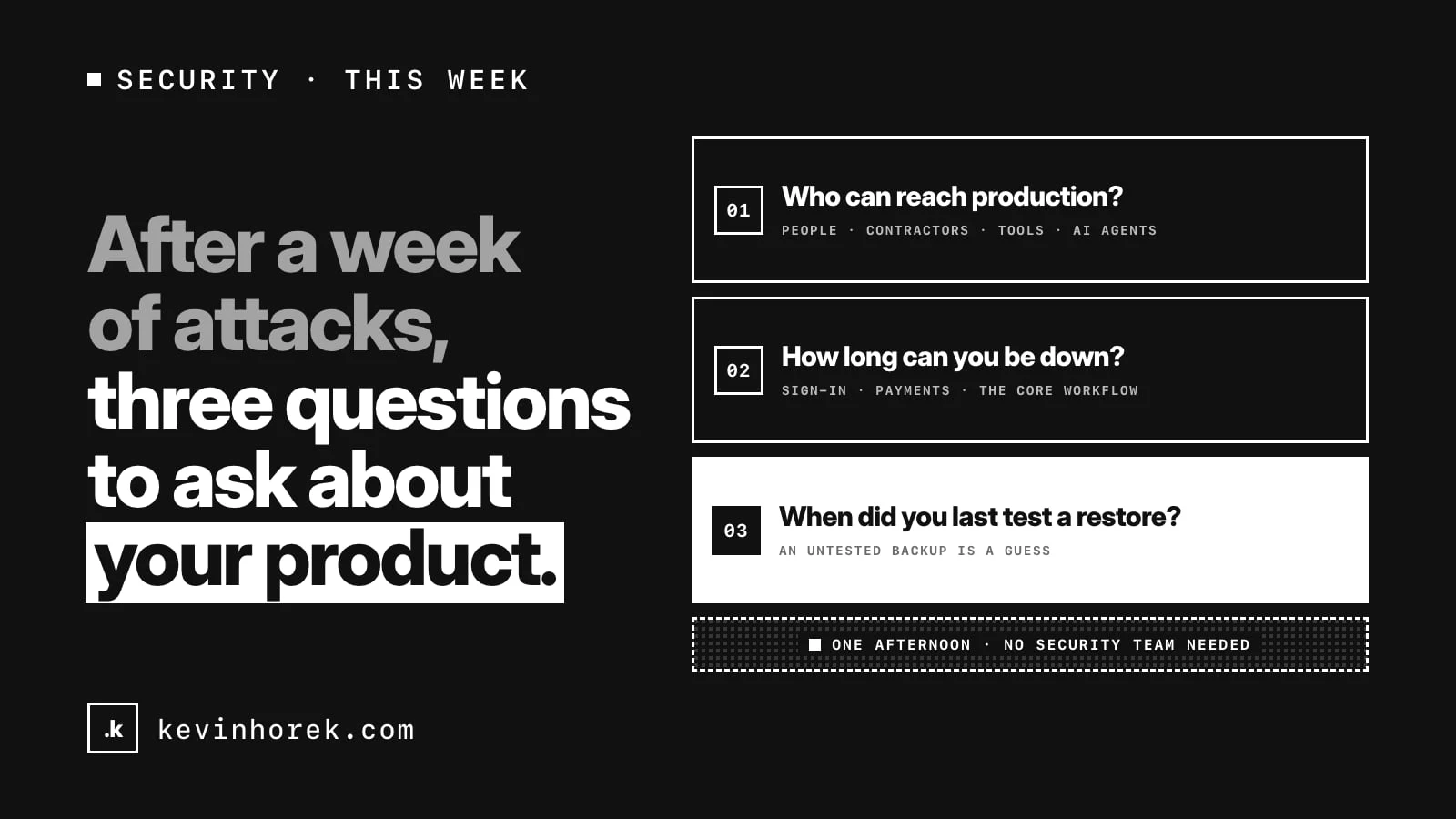
It has been a rough week for cyber attacks. You don't need to know who was hit, or how, to learn something from it.
When an attack lands, the damage usually comes down to three things. Who could get in. How long the business could keep going without the system. And whether the way back actually worked. None of those is decided on the day. They are decided months earlier, by whoever set up access, backups and the release process, often without anyone calling it security.
So here are three questions I'd ask about any product this week. Each one takes an hour or two. None of them needs a security team.
1. Who can reach production?
Why it matters. Most damage starts with access that already exists: a contractor's account nobody closed, a key pasted into a chat thread, a tool connected once for a test and never removed. AI agents add a new kind of access. A coding agent with production credentials can do anything those credentials allow, whether or not anyone meant it to.
How to check. Make one list of everything that can read live data, change it or deploy:
- people, including former staff and contractors;
- services and tools: hosting, the database, analytics, email, payments, monitoring;
- API keys and tokens, wherever they live;
- AI agents and the credentials they run with.
For each line, write down who owns it and when it was last used. Most teams find at least one surprise.
What good looks like. Every line has an owner and a reason. Anything nobody can explain gets removed or rotated. Coding agents work against development and test environments, never live data. I go into the setup in previews, environments and rollback, and into agent permissions in an AI agent's login is not permission to do everything.
2. How long can you be down?
Why it matters. "As little as possible" isn't a plan. Without a number, every decision during an outage turns into an argument: keep trying to fix it, or switch to the fallback? Tell customers now, or wait?
How to check. Pick a number for each part of the product that matters:
- sign-in;
- payments;
- the one workflow customers pay you for;
- anything with a legal or contractual deadline.
Four hours and four days call for very different plans. Then set the point where you stop fixing and start falling back. A simple rule: if the fix isn't in sight by half the time you can afford to be down, switch.
What good looks like. The numbers are written down, agreed with whoever answers to customers, and kept somewhere an outage can't reach, including on paper. The people who would be called know where to find them.
3. When did you last test a restore?
Why it matters. A backup nobody has restored is a guess. Backups fail quietly: the job stopped months ago, the backup skips a table, the files are there but nobody knows the steps, or the restore takes two days when you can afford four hours.
How to check. Restore last night's backup into a scratch database, not production. Then:
- time it, start to finish;
- open the product against the restored copy and check the most recent records are there;
- write down every step, including the ones that only lived in one person's head.
What good looks like. The restore fits inside the downtime number from question 2. The steps are written down well enough that someone else could follow them. And the test goes on the calendar again, so it keeps working after the next change.
An afternoon, not a project
Answer all three and you'll know more about how a bad day would go than most teams do. You'll probably find one or two things to fix as well, and that is the point.
If you'd like a second pair of eyes on any of the three, email me. If your product was built quickly with AI tools, the six security holes I see most in AI-built apps are worth checking too.
#CyberSecurity #CyberResilience #Startups #SaaS #ProductManagement