AI coding tools are very good at getting an app running on Supabase. Sign-in, tables and a working demo can appear in an afternoon.
What they rarely set up are the things you only need when something goes wrong: a backup you have restored before, a database in the right place, rules that stop one customer reading another's data, and keys that stay secret.
A working demo is not a launch. Mentor Intelligence runs on Supabase, and this is the list I work through before an app on it takes real users.
Backups: know what you have, and practice the restore
Start with what your plan actually includes. Supabase's backups guide says:
- Pro, Team and Enterprise projects are backed up daily. Pro keeps the last 7 days, Team the last 14 and Enterprise up to 30.
- For free plan projects, it recommends exporting your own data regularly and keeping off-site backups.
- Point-in-time recovery is an add-on for paid plans and needs at least a Small compute add-on. It restores to a chosen moment, with a worst-case loss of about two minutes of data. Once it is on, daily backups stop.
- Database backups do not include files stored through Supabase Storage, and restoring an old backup does not bring back files deleted since.
- The project is inaccessible during a restore, and bigger databases take longer.
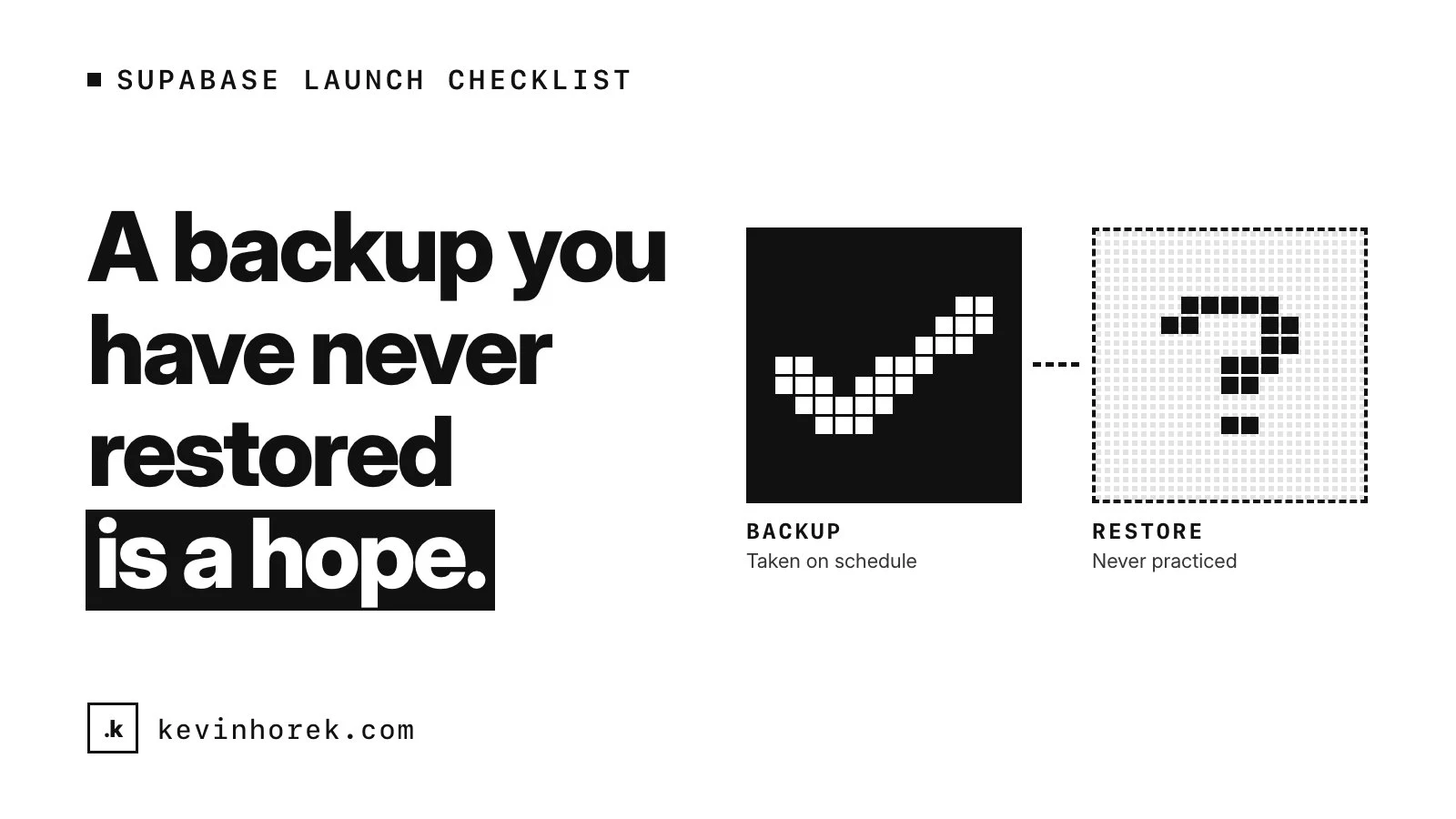
So decide how much data you can afford to lose, a day or a few minutes, and choose daily backups or point-in-time recovery from that. Back up user files separately if they matter. Then practice a restore on a project that is not live, time it and write the steps down. A backup you have never restored is a hope.
A rollback point for every release covers a bad deploy. Backups cover lost or damaged data. You want both.
Pick the region once
Supabase's guide to changing a project's region explains that each project is provisioned on hardware in the region you choose. Moving means creating a new project in the new region and migrating to it, with a new API URL, new keys and third-party sign-in credentials copied across by hand.
So decide before launch:
- Where your users are, and where your server code runs. Keep the database close to the servers that query it.
- Whether data has to stay in a particular country. Check now, not after a large customer asks.
Row-level security on every table, tested
Supabase's row-level security guide is blunt: enable it on every table in an exposed schema. Without it, a table there can be read and changed by any role with a grant on it, and the publishable key that reaches it ships inside your app.
Two details catch AI-built apps out:
- Once RLS is on, nothing comes back through the API until you write policies. An agent that hits an empty result may "fix" it by loosening a policy or reaching for a secret key. Check how it got the data back.
- Views bypass RLS by default. On Postgres 15 and above, the guide says to set security_invoker on a view so it obeys the policies of the tables underneath.
Then test the policies rather than trusting them. The guide recommends a pgTAP test file for each table you secure, checking allowed and denied reads, inserts, updates and deletes for anonymous and signed-in users. Supabase's Security Advisor is a useful second check.
Run those tests in continuous integration, so a policy change cannot reach live untested. If many customers share one database, this matters even more, which I wrote about in one app, many chapters.
Separate projects for dev, test and live
Supabase's guide to managing environments describes a local database for development, a separate project for staging and another for production, with schema changes written as migrations and deployed by a CI pipeline rather than from someone's laptop.
I want three environments, dev, test and live, each with its own database. That separation is what lets coding agents and test runs break things freely, because nothing they touch is real. It also means:
- each environment has its own keys, so a leaked dev key opens nothing in live
- auth settings can differ, with preview URLs allowed in dev and exact URLs in live
- schema changes can reach live only as migrations that have already run in dev and test
Keys and secrets
Supabase's API keys guide separates two kinds:
- Publishable keys are meant to ship in web pages and apps. They only reach what row-level security allows, which is why RLS has to be on everywhere.
- Secret keys bypass every row-level security policy. They belong only in backend code you control: never in a browser, a shipped app, source control, a URL, a chat or a log.
It recommends a separate secret key for each backend component, so a leak means rotating only one. It also says Supabase is deprecating the legacy anon and service_role keys by the end of 2026, so check which kind your app uses.
With AI-built apps, check where each key ended up. In Next.js, for example, any environment variable starting with NEXT_PUBLIC_ is inlined into the JavaScript sent to the browser. A secret key with that prefix is no longer secret.
Auth settings
Before launch, from Supabase's security checklist, production checklist and auth docs:
- Set the Site URL to your production address. The redirect URLs guide calls it critical for email confirmations and password resets. Wildcard redirect URLs suit local development and previews; use exact URLs in production.
- Set up custom SMTP. The built-in email service is not meant for production, only delivers to members of the project's team and is heavily rate limited.
- Turn on email confirmations, and set the OTP expiry to an hour or less.
- Remove test phone numbers.
- Add CAPTCHA to sign-up, sign-in and password reset.
- Protect the Supabase account itself with multi-factor authentication, and give the organization more than one owner.
- Review the auth rate limits against the launch you expect.
The short version
- Know what your backups cover, and restore one before launch.
- Choose the region on purpose.
- Turn on row-level security for every table, and test it automatically.
- Run separate projects for dev, test and live.
- Keep secret keys on the server, one per component.
- Set the Site URL, exact redirect URLs, custom SMTP and email confirmations.
- Keep a rollback point for every release.
If you have an AI-built app on Supabase and a launch date, email me. Working through this list before launch costs far less than finding out what is missing from a customer.