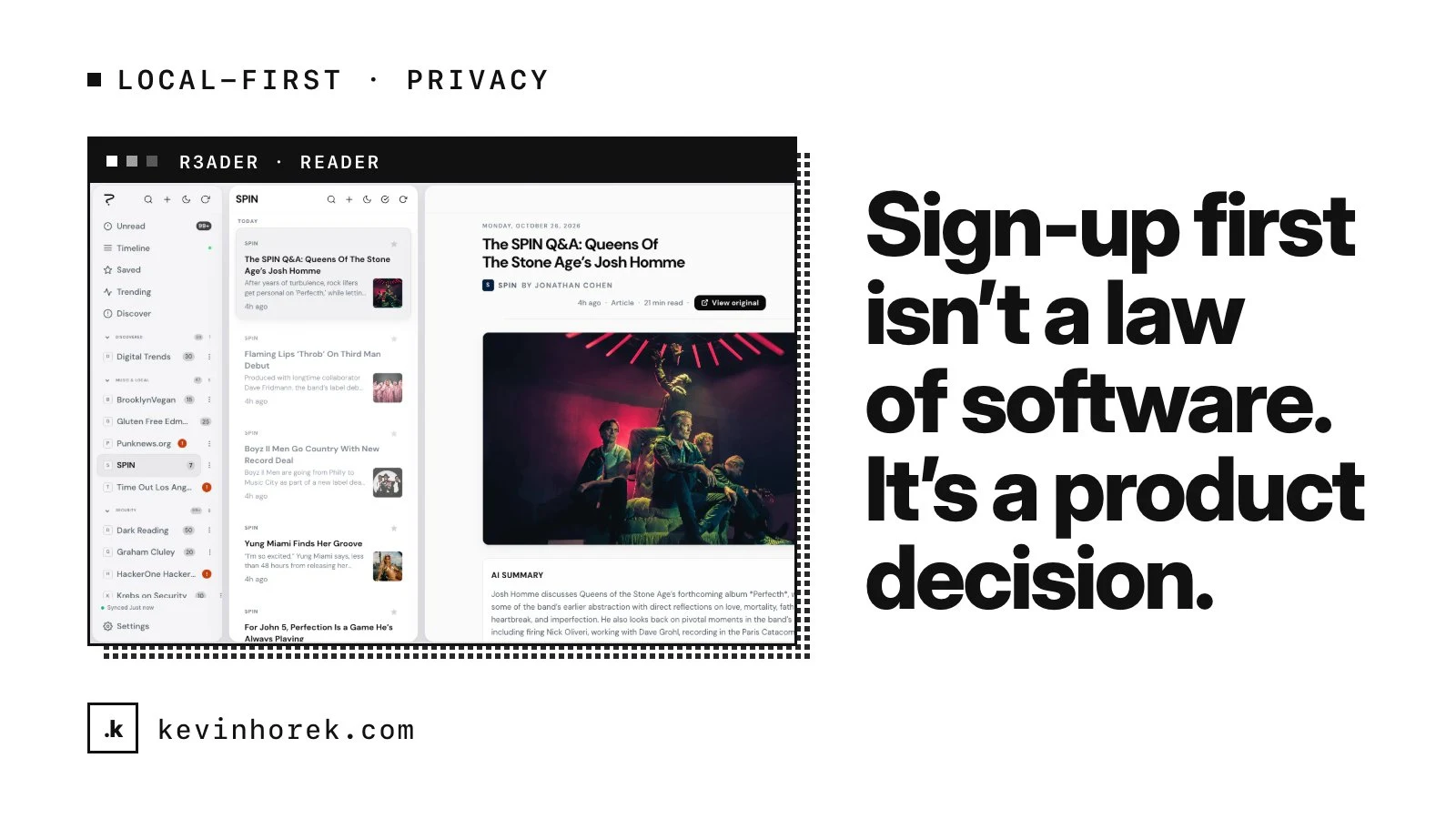
Most apps ask you to create an account before they show you anything. It is so common that it feels like a law of software. It is not. It is a product decision, and it has consequences.
I built R3ader to make the opposite decision. R3ader is a calm RSS reader: no algorithmic feed, no selling your reading history, local-first by default and synced only when you sign in.
Here is why I made those choices and what they cost, so you can decide which of them fit your own product.
The problem with modern feeds
Feed readers either died with Google Reader or turned into engagement machines. The people who still follow sites they trust want a short list of things: unread triage, stars, full-text search and keyboard speed, on every device, without being made to create an account.
That last part matters. For a reading app, privacy is not a line on a comparison chart. It is the reason to choose a reader over a social feed in the first place.
Decide where data lives before you decide anything else
The biggest decision in R3ader was storage. I had two options: cloud accounts first, or local storage first.
R3ader is offline-first, using the browser's built-in database, IndexedDB. Your feeds and reading history live on your device. Sync through Supabase exists only once you sign in, and otherwise your reading history never leaves the device.
The trade-off is real. Sync is harder to build on top of local-first than the other way around. Conflict handling, merging and first-time sign-in all take more care.
But it means the default experience is private without anyone having to find a setting. And it means the product keeps working on a plane, in a tunnel, or anywhere the connection drops.
What to take from this: where your users' data lives is an architecture decision you cannot easily reverse. Make it on purpose, early, based on what your users actually care about.
No algorithm is also a decision
R3ader has no algorithmic feed. Articles show up from the sites you chose, in the order they were published.
That makes the product less "sticky" by the usual metrics. There is no engine deciding what you will find hard to stop reading. For a calm reader, that is the point.
If you are building a product people use every day, it is worth asking which metrics you are really optimizing for. Time in app is easy to measure. Whether people trust the product is harder to measure, and often more valuable.
Build for the people who judge you hardest
Power users judge a reader by how fast it moves. A mouse-first app with shortcuts added later never feels right to them.
So R3ader is keyboard-first: a command palette, j and k to move between articles, and one key each to star, mark unread or open the original.
There is a short learning curve, which the first-run tips cover. In exchange, the people most likely to recommend a reader find it fast from day one.
What to take from this: identify the users who set your reputation, and design the core interaction for them first. Everyone else benefits from a fast product too.
One person, many platforms
As a solo builder, I had to keep R3ader maintainable across web, desktop, iOS and Android. Native apps everywhere would have meant four products.
Instead:
- The web app is an installable progressive web app.
- The desktop app for macOS, Windows and Linux is a Tauri shell around the same web app.
- iOS and Android share one Expo codebase with the same tabs, feeds, sync and settings.
Some native niceties are skipped. In return, features ship to every platform at once, which matters more to the people using it than a platform-specific animation.
Put AI where it helps, and keep keys out of the browser
Each article in R3ader opens with a short AI summary. The summary comes from Perplexity and is generated on the server, so the API key never reaches the browser.
That detail matters for any product adding AI. A key in the browser is a key anyone can copy. Generating on the server also gives you one place to control cost, rate limits and which model you use.
R3ader also has an MCP server that exposes feeds, docs and deep links, so AI assistants can open the right article instead of guessing.
Privacy works best as a default, not a setting people have to find.
What I would tell a founder
Privacy is rarely won or lost on a policy page. It is won or lost in early product decisions:
- Decide where data lives before you design the rest.
- Make accounts optional when the product can work without them.
- Choose your feed logic as deliberately as your features.
- Keep AI keys and calls on the server.
R3ader is in development, with store builds for the mobile app next. If you are building a product where trust and privacy are part of the value, email me. I am always happy to talk through the trade-offs.