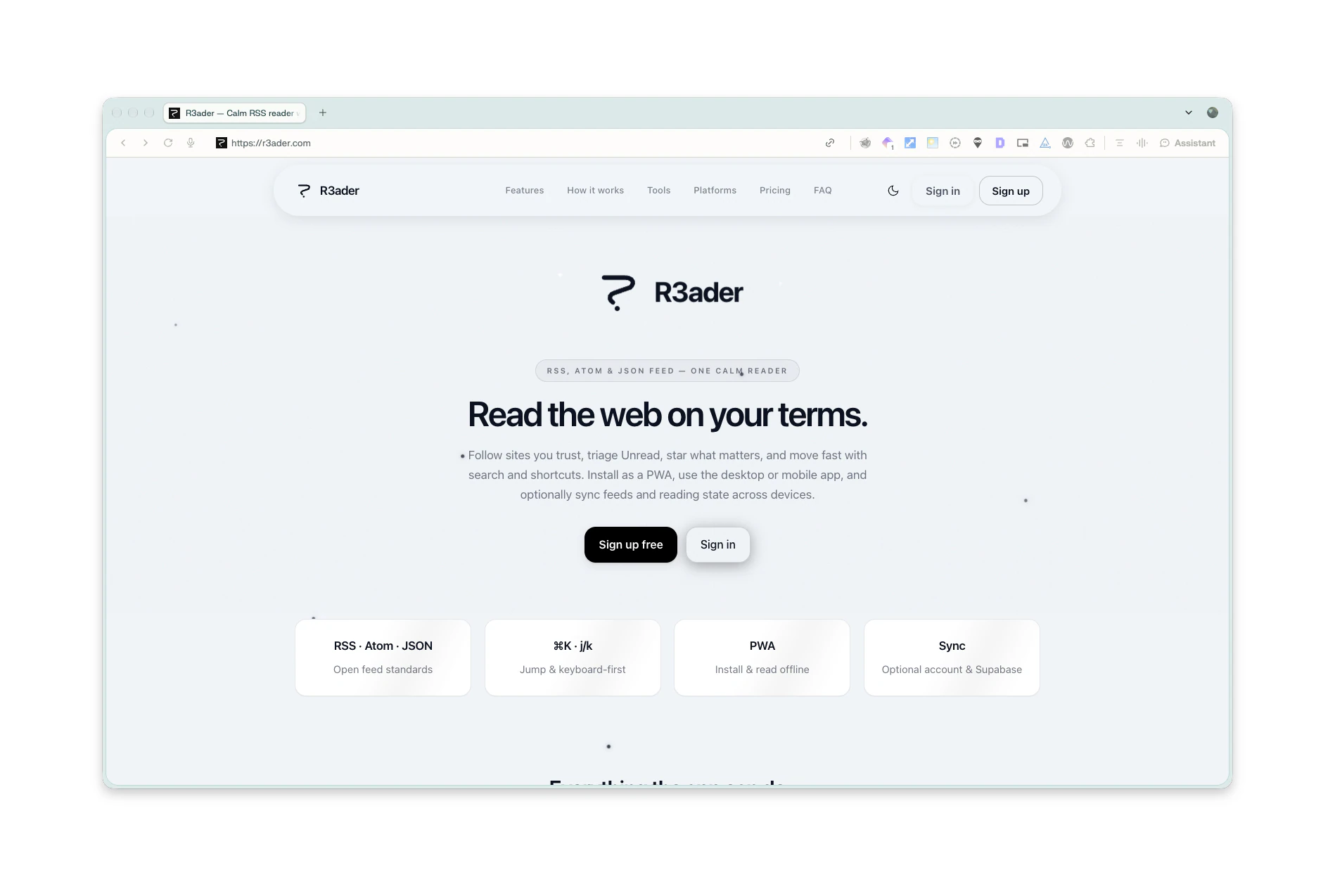
R3ader
Read the web on your terms.
The problem
Feed readers either died with Google Reader or turned into engagement machines. People who follow sites they trust want unread triage, stars, full-text search and keyboard speed, on every device, without being made to create an account.
Key decisions
Privacy is the reason to choose a reader over a feed.
Cloud accounts first, or local storage first.
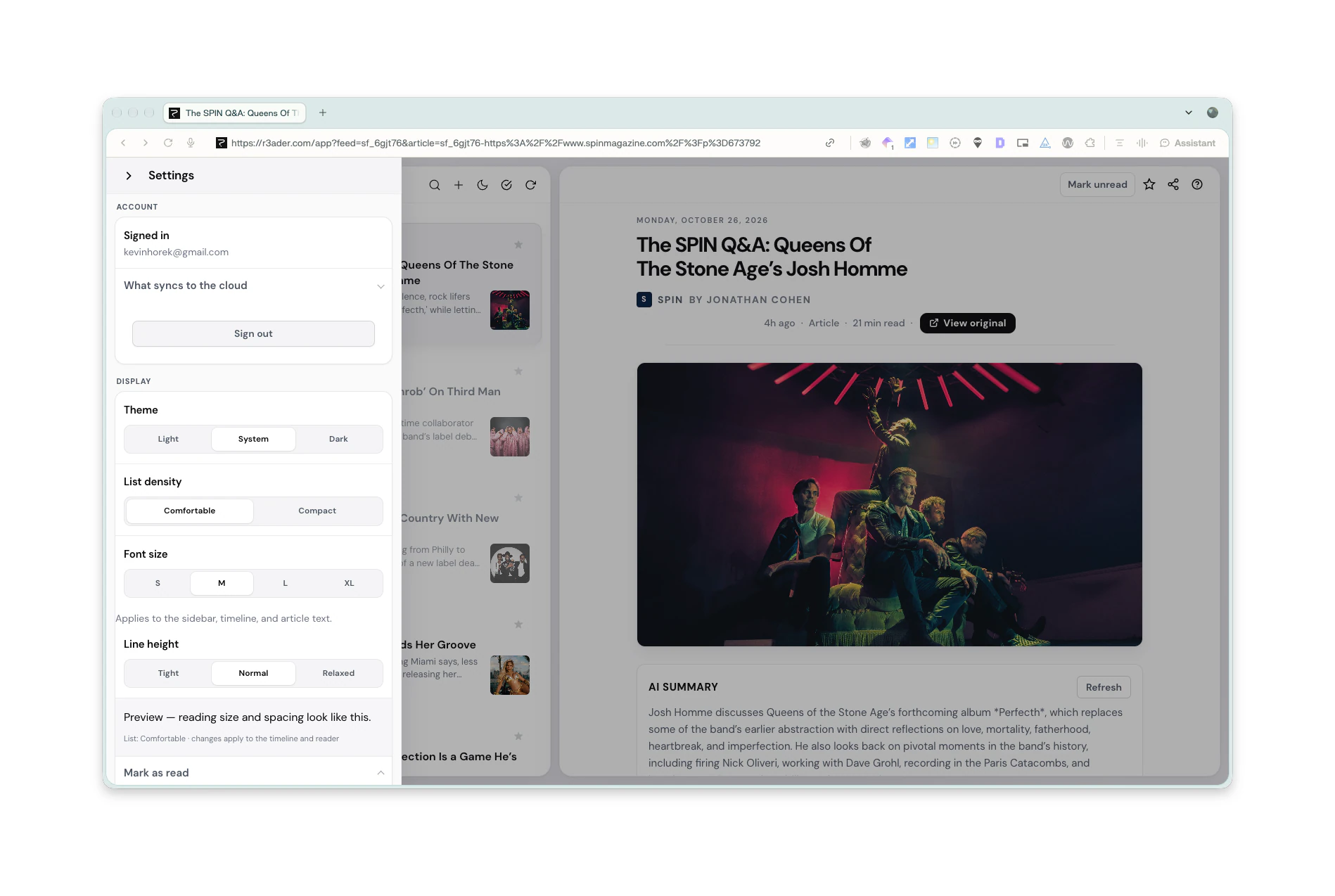
Offline-first with IndexedDB. Sync through Supabase exists only once you sign in, and the reading history never leaves the device otherwise.
Sync is harder to build on top of local-first than the other way around.
One person maintaining web, desktop, iOS and Android.
Native apps everywhere, or share as much as possible.
The desktop app is a Tauri shell around the same web app; iOS and Android share one Expo codebase with the same tabs, feeds, sync and settings.
Some native niceties are skipped. Features ship to every platform at once.
Power users judge a reader by how fast it moves.
Mouse-first with shortcuts bolted on, or keyboard-first.
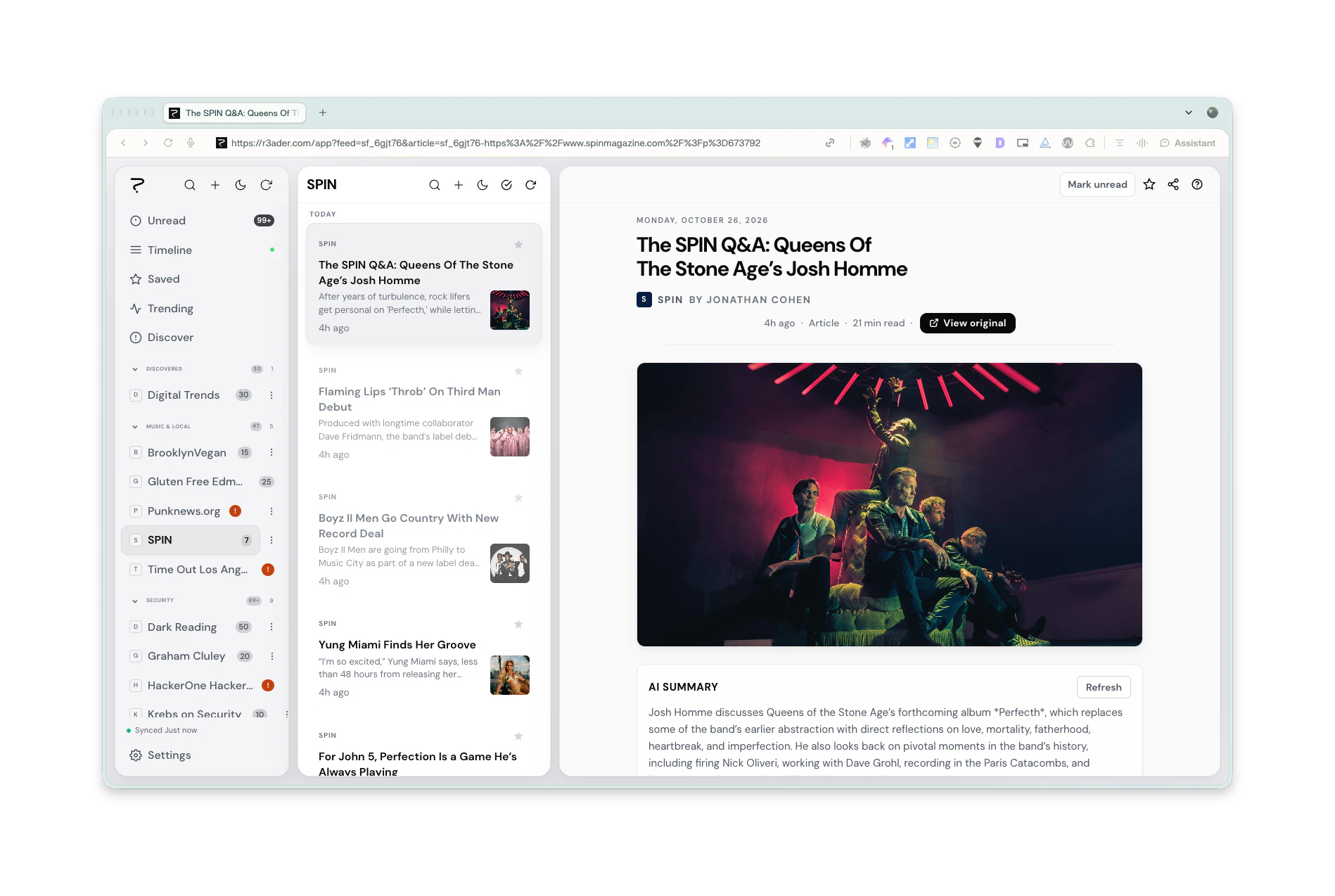
Keyboard-first: command palette, j/k between articles, one-key star, unread and original.
A short learning curve, covered by the first-run tips.
The work
How it was built
- 01DiscoverCalls and walk-throughs with the people who would use it
- 02CompileTranscripts, files and constraints in one requirements brief
- 03SpecifyA detailed, sourced spec from Perplexity, reviewed and locked
- 04BuildDesigned and built with the latest AI models, in the production stack
- 05TestUser testing on every preview, with real users on real tasks
- 06IterateFindings turned into the next round of changes, worst problems first
- 07ShipTests, security review and release, then back to testing and iterating↻ Back to Test
Where AI was used
Each article opens with a short AI summary from Perplexity, generated on the server so the API key never reaches the browser. An MCP server exposes feeds, docs and deep links so assistants can open the right article.
What’s next
Store builds for the mobile app through EAS and TestFlight.