AI video is hit or miss.
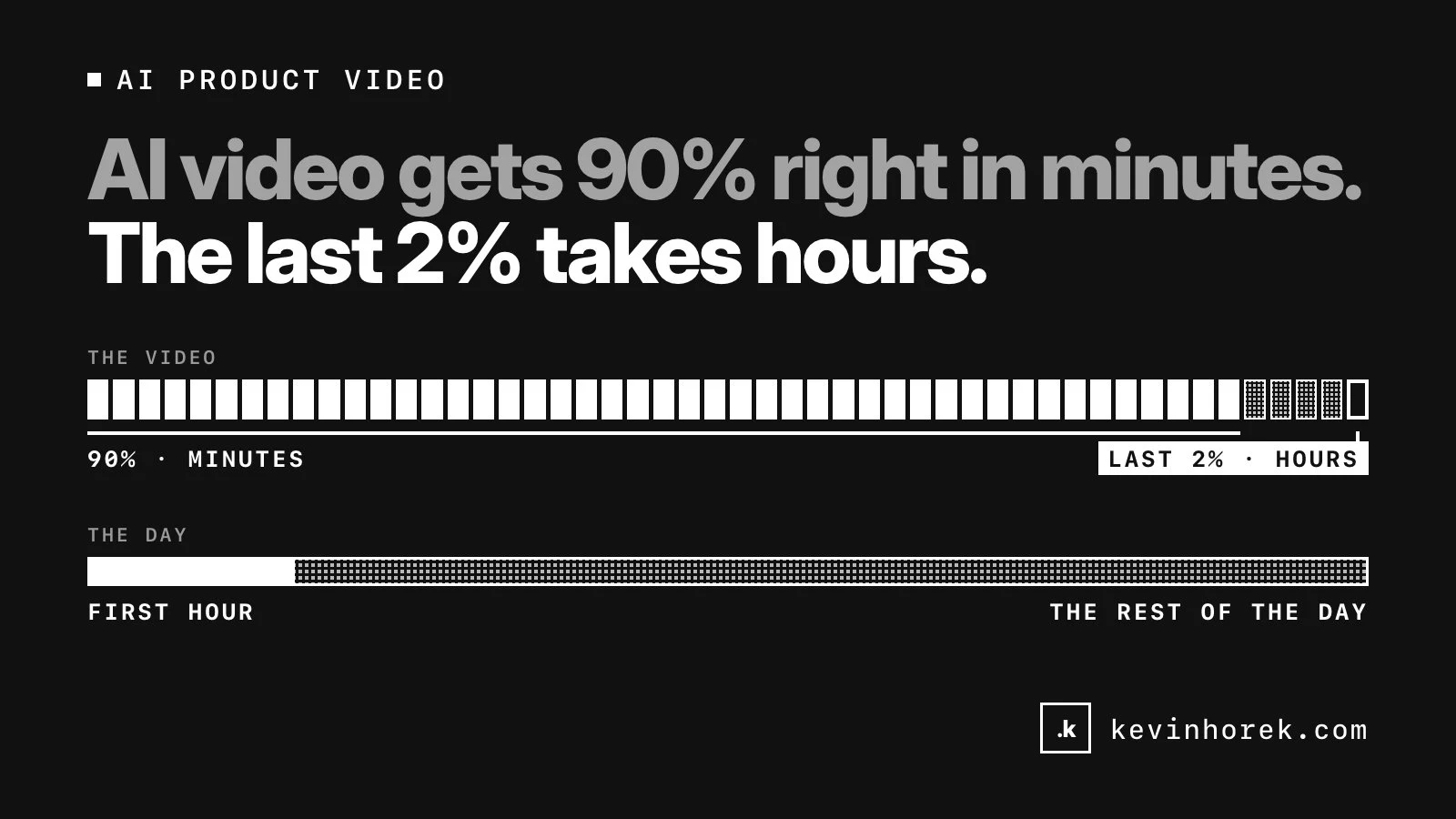
On a good day it gets 80 or 90 percent of a product explainer right in minutes: the pacing, the camera moves, the voiceover, the general look. It feels like magic. Then you look closely at the last 2 percent, and that is where the hours go.
I have been making animated product explainers with AI video and motion design, including a set for an oilfield well-integrity tool. Here is what I have learned about where it helps, where it falls apart, and how I plan the work now.
The last 2 percent is the job
The problem is rarely the whole video. It is one shot where a part is the wrong shape, a label that says something slightly different from the frame before, or a movement the real equipment cannot make.
Fixing that is not like editing a sentence. You regenerate and get a different problem. You adjust the prompt and the part you liked changes too. After a few rounds you are no longer refining, you are gambling.
That is how a video that was nearly done in the first hour takes the rest of the day. Often the only way through is to stop prompting and do it by hand: rebuild the shot in a motion tool, fix the frames yourself, or replace the generated text with a proper overlay in the editor.
Technical videos are where it breaks
For a lifestyle clip, a small invented detail rarely matters. For a technical product it is the whole point.
The people watching an explainer for an industrial tool know what the equipment looks like. They notice the wrong number of components, a valve in the wrong place, or a reading on a screen that makes no sense. A video that gets those details wrong does not just look sloppy. It tells the expert that whoever made it does not understand the product.
AI video models do not know what your product looks like. When they lack a reference, they fill the gap with something plausible, and they do it with complete confidence. That is hallucination, and in a technical video it is the difference between useful and embarrassing.
In my experience, AI video is not ready to produce accurate technical videos on its own yet. It can help make them. It cannot be trusted to get the engineering right.
Without CAD drawings or renderings, you are guessing
The single biggest factor in how a technical video turns out is the source material you start with.
If you have CAD drawings, 3D renderings or good reference photos of the real equipment, you can build the technical shots from those and let AI handle what surrounds them. If you do not, the model has to invent the product, and you will spend your time correcting its inventions instead of telling the story.
Not having those files can derail a project. It is worth asking for them before anything else, even if it delays the start by a few days.
How I plan an AI video now
Decide what has to be exact. Before generating anything, mark which shots carry technical meaning (the product, the readings, the steps an operator takes) and which are atmosphere (transitions, backgrounds, establishing shots). The first group needs real assets and careful review. The second is where AI shines.
Get the source files first. CAD drawings, renderings, photos, screenshots of the real interface, and the vocabulary the customer's engineers actually use. The more of this you have, the less the model has to make up.
Use AI for what it does well. Storyboards, rough cuts, motion for simple shapes, voiceover drafts, variations to compare and the connective shots between technical ones. That is often most of the video by running time.
Build the technical shots from real assets. Animate the actual product from its drawings or renders, or composite real images into the generated footage. It is slower per shot, but it is right the first time.
Budget for the last stretch. If the plan assumes the first 90 percent and the last 10 percent take the same effort, the schedule is wrong. The finishing work, much of it manual, is where the time goes.
Review with someone who knows the equipment. A person who works with the product will spot in seconds what I would miss. Their review is part of the process, not a courtesy at the end.
Worth using, with the right expectations
None of this means avoiding AI video. Used well, it makes explainers possible on budgets and timelines that would not support a traditional production. It just is not a button that produces a finished technical video.
The way I think about it is the same way I think about AI in software: it does the heavy lifting, and a person makes the calls. For video, that person also needs the real drawings.
If you are planning a product video and are not sure what AI can realistically do for it, email me with what the product is and what you need the video to explain. I will give you an honest view of where AI will save time and where it will cost you.