AI coding agents changed how fast software gets written. A change that used to take a day can now take minutes. What did not change is how long it takes a person to understand what that change did.
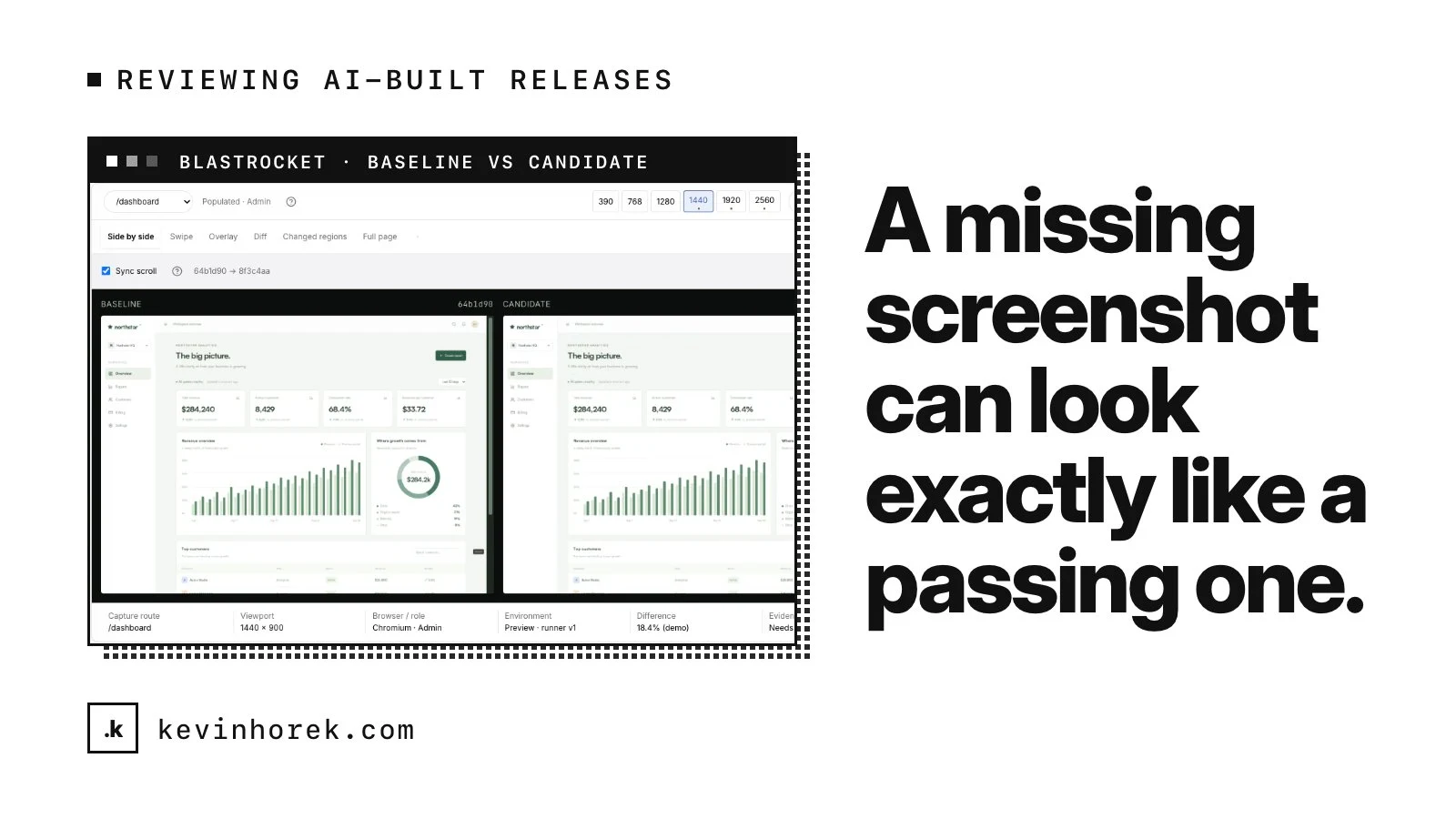
That gap is the problem behind BlastRocket, a visual release-approval workspace for AI-built software. It shows before-and-after evidence across routes, states, roles and screen sizes, with a person in charge of the decision to ship.
I am building it because I hit this problem on my own products. Here is what I have learned about reviewing AI-built releases, whether or not you ever use a tool like it.
The bottleneck moved
When a team ships with AI help, the bottleneck moves from writing code to understanding what the code changed from a user's point of view.
Code diffs, test results and preview links all help, but they leave the accountable person guessing:
- What did users actually see change?
- Does it hold up at phone, laptop and ultra-wide sizes?
- Is it right in each state and for each role?
- Who needs to decide before it goes live?
If nobody can answer those questions quickly, one of two things happens. Either reviews become rubber stamps, or they become the reason the team slows down.
Review the product change, not the pixels
One product change can touch dozens of screenshots across routes, states and screen sizes. Reviewing each comparison one by one is exhausting, and people start skimming.
BlastRocket groups related diffs into change bundles, so people review the product change rather than the pixels. "The settings page got a new save bar" is one decision, even if it shows up on a dozen screenshots.
Grouping can be wrong, so every bundle opens to its exact before, after and diff. The raw evidence is always one click away.
What to take from this: give reviewers the change at the level they make decisions about, and keep the underlying evidence close. Summaries without evidence get distrusted. Evidence without summaries gets skipped.
Treat every screen size as first-class
Most teams check a phone and a laptop. Then a customer opens the product on a 1920 or 2560 pixel monitor and the layout falls apart.
BlastRocket reviews six sizes, from 390 to 2560 pixels, and treats each one as first-class. A release can look fine at 1280 and still be poor at 1920.
What to take from this: write down the screen sizes your product must work at and check all of them on every release, not just the ones on your own desk.
Let AI help, but never let it approve
AI can make changes fast, and it could approve them just as fast. It is tempting to let it auto-approve "likely noise" so people only see the important differences.
I decided against that. In BlastRocket, humans keep launch authority:
- AI groups changes into bundles and writes a launch briefing.
- It drafts fix briefs for coding agents, showing its rationale, confidence and the model it used.
- It never approves, merges or deploys.
- Likely noise is never approved automatically.
There is also a metrics-only mode that keeps screenshots away from AI providers entirely.
That means more human clicks than a fully automatic pipeline. In exchange, there is a clear record of who said yes to each release.
AI can group, summarize and draft. A person decides what ships.
Fail closed when evidence is missing
One subtle risk in any review process: a missing screenshot can look the same as a passing one. If a capture failed silently, a page full of green checks tells you nothing.
So BlastRocket fails closed. A strict launch gate blocks until every required capture, decision and policy is satisfied. Evidence is also immutable: new captures supersede old ones without rewriting them, so the history of what was reviewed stays intact.
A strict gate can feel heavy, so teams can choose advisory or approval-required modes instead. But the strict option exists for teams that need it.
What to take from this: look at your release checks and ask what happens when a check does not run. If the answer is "it passes," you have a gap.
How I hold myself to it
BlastRocket went from specification to version 1.16 between September and October 2026, built with coding agents under the same rules as my other products. It has 134 checks in its functional suite, alongside unit, API, visual and accessibility suites.
The next step is running the capture runner on my other AI-built products first, then opening it to early teams. I would rather find its rough edges on my own releases than on someone else's.
A simple checklist for AI-built releases
Even without a dedicated tool, you can apply the same thinking:
- Review changes as product decisions, with the evidence attached.
- Check every screen size you claim to support.
- Let AI summarize and draft, and keep approval with a named person.
- Make missing evidence block a release instead of passing it.
- Keep a record of who approved what, and when.
If your team is shipping faster with AI and the review process is starting to strain, email me. I am happy to compare notes.